
When I first encountered Docker, I thought it was going to be this impossibly complex tool that only hardcore DevOps engineers could understand. Turns out, it’s actually one of the most elegant solutions to a problem we’ve all faced: “It works on my machine, but why doesn’t it work on yours?”
Let me explain Docker in a way that finally made sense to me, and hopefully it’ll click for you too.
What Is Docker, Really?
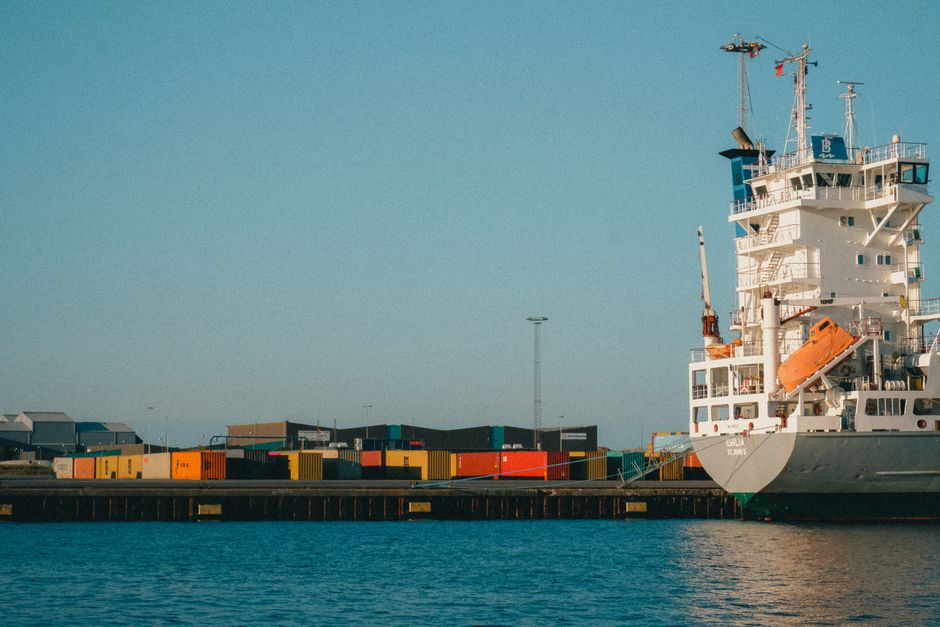
Think of Docker like shipping containers. You know, those massive metal boxes you see on cargo ships? Before containerization, shipping was chaotic. Companies would pack goods differently, use different materials, and everything had to be manually loaded and unloaded. It was inefficient and error-prone.
Then someone had a brilliant idea: standardize everything into containers. You pack your goods into a container once, and it can move from a truck to a ship to a train without anyone touching the contents. The container itself handles the logistics.
Docker works the same way, but for software.
Normally, when you develop an application, you install dependencies, configure settings, and set up your environment. Then you send your code to a colleague or deploy it to a server. Half the time, something breaks because their environment is slightly different. Maybe they have Python 3.8 instead of 3.9. Maybe they’re missing a library. Maybe their operating system is different.
Docker packages your entire application—code, libraries, dependencies, everything—into a container. That container runs the same way everywhere. On your laptop, on your colleague’s Mac, on a Linux server in the cloud. No surprises.
Why Should You Care?
I get asked this a lot, especially by people just starting their development journey. “Rachel, can’t I just install things manually?” Sure, you can. You can also manually carry boxes instead of using a dolly. Technically possible, but why would you?
Here are the real benefits:
- Consistency across environments. Development, testing, production—everything runs identically. No more “works on my machine” arguments.
- Isolation. Each container is self-contained. One app’s dependencies don’t interfere with another app’s. It’s like having separate workspaces for each project.
- Easy onboarding. New team member joining your project? Instead of spending a day setting up their environment, they run a single Docker command. Done.
- Simplified deployment. Your container works the same everywhere, so deploying to production becomes straightforward. Less to debug, less to worry about.
- Scaling made simple. Need to run multiple instances of your app? Docker makes it trivial to spin up identical copies.
I’ve watched teams save hours every week just by eliminating environment-related bugs. Hours that could go toward building actual features.
Getting Started With Docker
Here’s the good news: Docker is designed to be approachable. You don’t need to understand containerization deeply to start using it productively.
First, download and install Docker. It’s available for Mac, Windows, and Linux. The installation is straightforward—just follow the official guide on Docker’s website.
Next, understand these core concepts:
- Images. A blueprint for a container. Think of it as a template or a recipe. It contains everything your app needs to run.
- Containers. A running instance of an image. Multiple containers can be created from the same image, and they’re all independent.
- Dockerfile. A text file with instructions for building an image. It’s like a recipe card: “Start with this base image, install these dependencies, copy these files, run this command.”
A basic workflow looks like this:
- Write a Dockerfile describing your app’s needs
- Build an image from that Dockerfile
- Run containers from that image
- Share the image with teammates or deploy it
That’s genuinely it at the simplest level.
Moving Forward
Docker opens doors to other powerful tools and patterns. Once you’re comfortable with containers, you’ll naturally progress to orchestration tools like Kubernetes, CI/CD pipelines, and microservices architecture. But you don’t need to worry about any of that today.
Start small. Pick a project you’re working on, create a Dockerfile, build an image, and run it. Experience that “it just works” feeling when your containerized app runs identically on different machines. That’s when it clicks, and suddenly Docker doesn’t feel mysterious anymore—it feels essential.
I genuinely believe Docker is one of those technologies that seems complicated until it suddenly isn’t. And once it isn’t? You’ll wonder how you ever worked without it.
Source: Lena Headey on Weinstein: ‘The weird protection we offer predatory men makes me …’
 David Nguyen
 James Holloway
 Chris Sullivan