
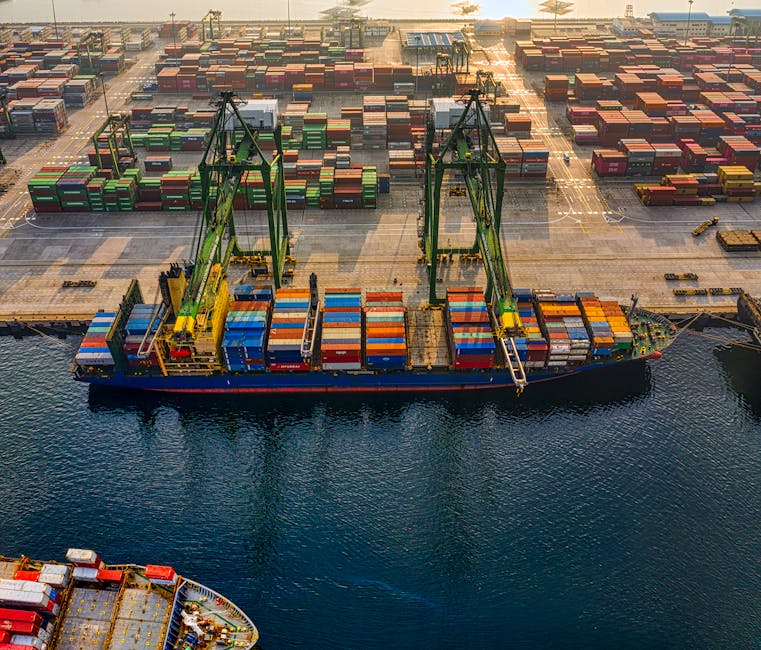
When I first started working with Docker, I felt like I was learning a completely new language. But here’s the thing—Docker isn’t actually that complicated once you understand what it’s trying to solve. Think of Docker like shipping containers for software. Just as a shipping container holds cargo and protects it during transport, Docker containers hold your code and everything it needs to run, keeping it safe and consistent no matter where it goes.
What Docker Actually Does
Let me be honest: Docker changed how I think about deploying applications. Before containers became mainstream, we had a real problem on our hands. You’d write code on your laptop that worked perfectly. Then you’d hand it off to your colleague, and suddenly it broke. “But it works on my machine!” became the unofficial team motto. Sound familiar?
Docker solves this by packaging your application with all its dependencies—the exact versions of libraries, databases, and configuration files it needs. When you create a Docker image, you’re essentially taking a snapshot of everything required for your app to run. Then, anywhere you run that image (on your computer, a colleague’s machine, a production server), you get exactly the same behavior.
The beauty here is consistency. Your development environment, your testing environment, and your production environment can all be identical. No more surprises. No more late-night debugging sessions trying to figure out why something works in staging but fails in production.
Containers vs. Virtual Machines: The Key Difference
I often run into people who confuse Docker containers with virtual machines, and I get it—they’re both ways to isolate applications. But they work quite differently, and understanding that difference really matters.
A virtual machine is like renting an entire apartment building. You get your own kitchen, your own bedrooms, your own walls. It’s completely separate from your neighbor’s place. But you also need heating, electricity, and maintenance for the entire building. Virtual machines work similarly—they include a full operating system, which takes up a lot of space and resources.
Docker containers are more like renting a studio apartment in a shared building. You get your own space where your stuff lives, but you share the building’s infrastructure—the plumbing, electricity, and heating system. Containers are lightweight because they share the host operating system kernel while still maintaining isolation. This means they start faster, use less memory, and let you run more of them on the same hardware.
- Virtual Machines: Full OS per machine, heavier, slower to start, better for running completely different systems
- Containers: Shared kernel, lightweight, fast startup, perfect for running multiple instances of similar applications
Getting Started With Docker: The Practical Side
When I help developers get started with Docker, I always recommend they start small. Don’t try to containerize your entire application stack on day one. Pick something simple.
The Docker workflow is straightforward. You write a Dockerfile—that’s basically a recipe that tells Docker how to build your image. You specify a base image (like a Linux distribution or a runtime), copy your code into it, install dependencies, and set up how it should run. Then you build that into an image and run it as a container.
Here’s what I love about Docker: once you’ve got an image, sharing it is easy. You can push it to Docker Hub or any registry, and anyone with access can pull it down and run it. Your teammate in another country gets the exact same setup. Your DevOps team deploys the exact same code you tested locally. It’s wonderful.
The learning curve is real, but it’s manageable. Start by containerizing a simple Node app or a Python script. Learn how to build images and run containers. Then explore Docker Compose when you need multiple containers talking to each other. Before long, you’ll wonder how you ever lived without it.
Docker has genuinely made me a better developer. It’s forced me to think more carefully about dependencies, reproducibility, and what exactly my application needs to run. That’s a good thing. If you haven’t explored Docker yet, I’d encourage you to give it a shot. Start simple, be patient with yourself, and enjoy how much easier deployment becomes.
Source: Where Does The Maple Leafs’ Defense Rank In The Atlantic Division?
 David Nguyen
 James Holloway
 Chris Sullivan