
The Raspberry Pi has long been a favorite among hobbyists, educators, and tinkerers looking to explore computing without breaking the bank. However, with the introduction of the Raspberry Pi 5, the possibilities have expanded dramatically. What was once considered primarily a learning tool or media center can now be transformed into a legitimate, high-performance desktop computer capable of handling real work. And here’s the best part: you can do it for less than $200. By combining the power of the Raspberry Pi 5 with NVMe SSD storage, builders are creating machines that rival traditional budget laptops while maintaining the flexibility and customizability that makes the Pi platform so appealing.
The Raspberry Pi 5: A Game-Changing Upgrade
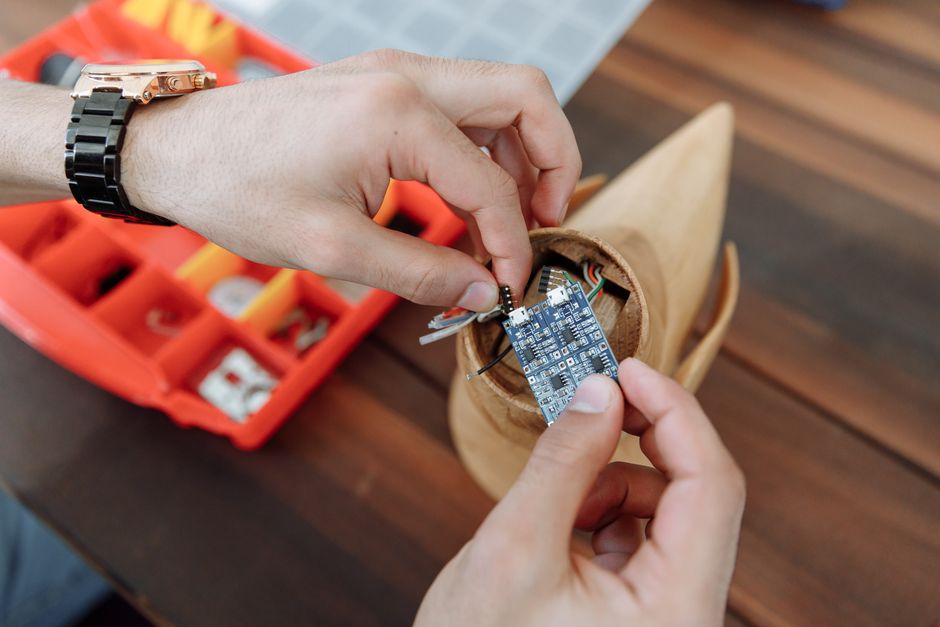
The Raspberry Pi 5 represents a significant leap forward from its predecessors. With its improved processor architecture, increased RAM options, and enhanced I/O capabilities, the Pi 5 has moved beyond the limitations that previously constrained its use as a primary computing device. The 8GB variant, which is recommended for creating a functional desktop PC, provides enough memory for multitasking, web browsing, and productivity applications without constant lag.
What makes the Pi 5 particularly compelling for this project is its raw performance. The improvements in CPU speed and efficiency mean you’re no longer limited to basic tasks. Users can expect smooth performance when running office applications, handling web development, managing media files, and even light creative work. The inclusion of a PCIe interface is crucial for the next step in this build—adding fast storage that transforms the entire computing experience.
The stock Pi 5 setup typically relies on microSD card storage, which, while convenient, has inherent speed limitations. This is where the transformation truly begins. By upgrading to NVMe SSD storage, you’re not just adding capacity; you’re fundamentally changing how responsive and capable the machine feels.
Adding NVMe Storage: The Key to Desktop Performance
The critical component that elevates a Raspberry Pi 5 from a capable single-board computer to a genuine desktop PC is the addition of NVMe SSD storage via an M.2 HAT (Hardware Attached on Top). This expansion board connects to the Pi’s PCIe interface and allows you to attach modern M.2 SSDs, dramatically increasing storage speed and capacity.
The performance benefits of this upgrade are substantial. While microSD cards typically offer read speeds in the range of 50-100 MB/s, NVMe SSDs can deliver speeds of 1000+ MB/s. This difference isn’t merely a technical specification—it translates into a noticeably snappier system where applications launch faster, files transfer quicker, and the overall user experience feels genuinely responsive.
For those building their own system, the setup process is straightforward:
- Source a Raspberry Pi 5 with 8GB of RAM
- Purchase a compatible M.2 HAT expansion board
- Select an NVMe SSD (even budget options offer substantial performance gains)
- Install the SSD onto the HAT using the provided connector
- Attach the HAT to the Pi’s PCIe slot
- Install your operating system of choice onto the new storage
The entire process requires no advanced technical knowledge, making it accessible to anyone with basic DIY computer building experience.
The Budget Equation: Real Performance for $200
One of the most appealing aspects of this build is its affordability. A complete system—the Pi 5 with sufficient RAM, the M.2 HAT, a reliable NVMe SSD, and an appropriate power supply—can be assembled for under $200. To put this in perspective, this price point represents exceptional value when compared to traditional desktop computers, especially considering the quality of components involved.
Breaking down the typical cost allocation:
- Raspberry Pi 5 (8GB): $80-90
- M.2 HAT: $20-30
- NVMe SSD (500GB-1TB): $40-60
- Power Supply and Cables: $20-30
This budget-conscious approach doesn’t mean compromising on functionality. You’re building a machine capable of productivity work, web development, content consumption, and general computing tasks. For students, content creators on a budget, and those who value open-source flexibility, this represents an compelling alternative to traditional computers.
Practical Applications and Real-World Use
Once assembled, an SSD-powered Raspberry Pi 5 can serve numerous practical purposes. It excels as a development machine for programmers and makers, a media center for streaming and local content, a lightweight office computer for document editing and spreadsheet work, or even as a server for home automation and network applications.
The accessibility of Linux as the primary operating system means you’re not locked into proprietary software ecosystems. You can customize your experience, learn about operating systems and hardware at a deeper level, and contribute to open-source projects. For educational purposes, this makes the Pi 5 exceptionally valuable, offering hands-on computing knowledge that traditional computers cannot provide.
Conclusion
The convergence of improved Raspberry Pi hardware with accessible NVMe storage has created a genuine opportunity for budget-conscious computer builders. A $200 SSD-powered Raspberry Pi 5 isn’t a compromise or a hobby toy—it’s a legitimate computing platform capable of meaningful work. Whether you’re looking to reduce your technology spending, explore open-source computing, or simply enjoy the satisfaction of building your own system, this project delivers impressive results without requiring a substantial financial investment. The Raspberry Pi 5 has truly come of age, proving that powerful, practical computing doesn’t require premium pricing.
Source: I turned a Raspberry Pi 5 into a real SSD-powered PC for less …
 Chris Sullivan
 James Holloway